

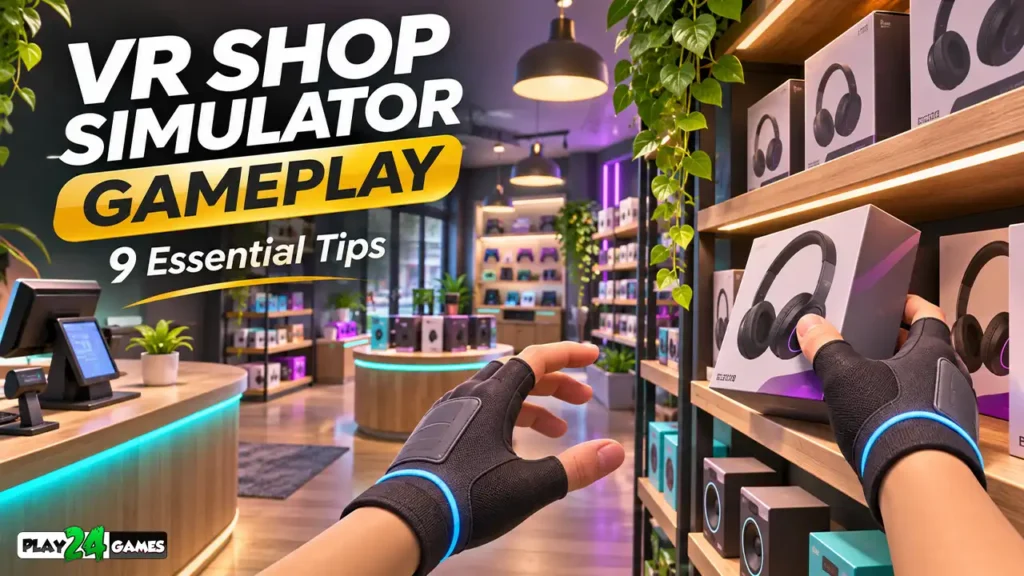
Imagine stepping into a virtual shop where every shelf, product, and customer interaction feels like part of a small world you can manage yourself.
Instead of selecting products with a mouse, you may reach toward objects using motion controllers, move merchandise around your workspace, and explore a shop from a first-person perspective.
That is part of the appeal of virtual reality simulation games.
VR shop simulator gameplay combines familiar management activities with immersive interaction. Depending on the game, players may organize products, handle inventory, interact with customers, customize their surroundings, or work toward business objectives.
However, virtual reality introduces challenges that traditional management games do not always have. Physical movement, object handling, comfortable navigation, and spatial awareness all influence the experience.
Whether you are exploring a shop simulator for the first time or already enjoy VR management games, the following nine tips can help you approach these experiences more confidently.
1. Understand the Core Gameplay Loop Before Rushing Ahead
Most management simulations are built around a repeating set of activities.
In a shop simulator, that loop might involve receiving products, arranging shelves, completing customer-related tasks, and using earned resources to improve the store.
The exact mechanics vary between games. Some emphasize decorating and exploration, while others focus on inventory, finances, or time management.
Identify the Main Objective
Before moving everything around, determine what the game actually expects you to accomplish.
Look for tutorial instructions, objective indicators, task boards, or contextual prompts.
Ask yourself three questions: What action advances the current objective? Which objects are interactive? What happens after completing the task?
Understanding these basics prevents unnecessary trial and error.
Learn the Difference Between Essential and Optional Tasks
A decorative object may look important without affecting progression. Conversely, an ordinary product or shelf may be essential to completing an objective.
Prioritize required interactions first, then experiment with optional activities.
This is especially useful when entering an unfamiliar VR environment.
2. Get Comfortable With VR Movement and Interaction
Unlike conventional desktop games, VR simulations require players to understand both virtual navigation and physical controller movement.
Different games support different control schemes.
Some use continuous joystick movement. Others offer teleportation, snap turning, or additional comfort options.
Begin With Small Movements
When starting a new VR game, avoid immediately moving quickly through the environment.
Explore a small area and test how the controls respond.
Practice turning, approaching objects, and returning to a comfortable position.
If the game offers movement settings, choose the configuration that feels most comfortable.
Learn the Controller Actions
Common VR interactions include grabbing, releasing, pointing, selecting, and activating objects.
However, button assignments differ between titles.
Spend a few minutes learning how your chosen game handles these actions before attempting more complicated tasks.
Respect Your Physical Play Area
Virtual shelves and counters do not replace real-world walls, furniture, or other obstacles.
Follow your headset’s boundary guidance and maintain sufficient physical clearance.
Meta’s Quest support resources provide headset-related guidance, including setup and safety information.
3. Organize Products Using a Consistent System
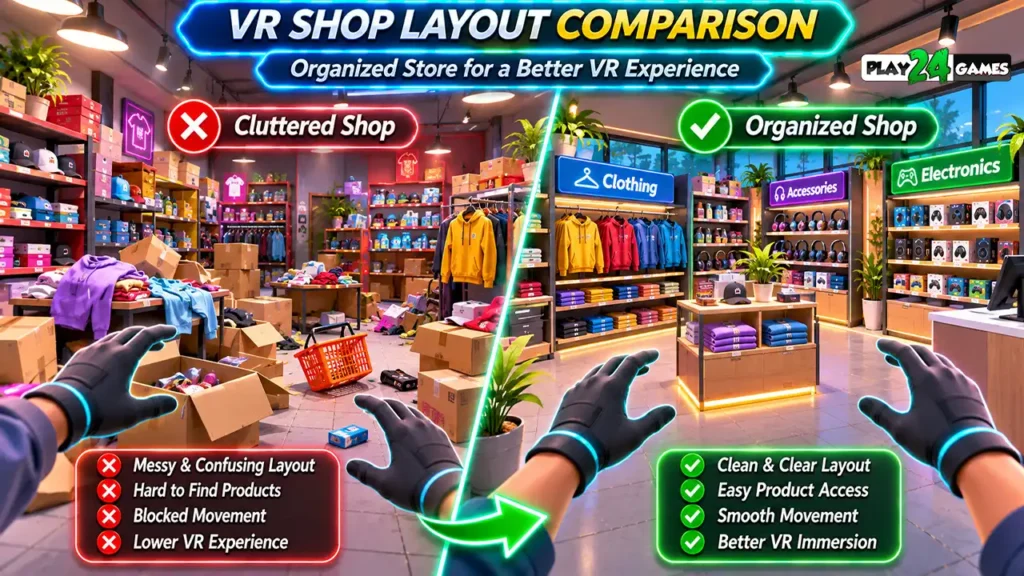
Product organization is a familiar activity in retail simulations, but VR makes the process more physical.
Instead of dragging an icon into a slot, a game may ask you to pick up an item and position it on a shelf.
This introduces additional decisions about placement, visibility, and accessibility.
Group Similar Items Together
When the game permits flexible placement, group related products into recognizable categories.
For example, a virtual store might separate clothing, accessories, collectibles, and decorative items.
Grouping products makes it easier to remember where objects belong.
Keep Frequently Used Areas Accessible
If you repeatedly interact with a particular shelf or counter, avoid creating an unnecessarily complicated route to it.
A straightforward layout can make repeated tasks feel less demanding.
Avoid Overcrowding
Adding too many objects to one area can make individual products difficult to select.
In games with detailed hand interactions, overlapping objects may also make precise grabbing harder.
A visually attractive arrangement should still support comfortable gameplay.
4. Pay Attention to Interaction Feedback
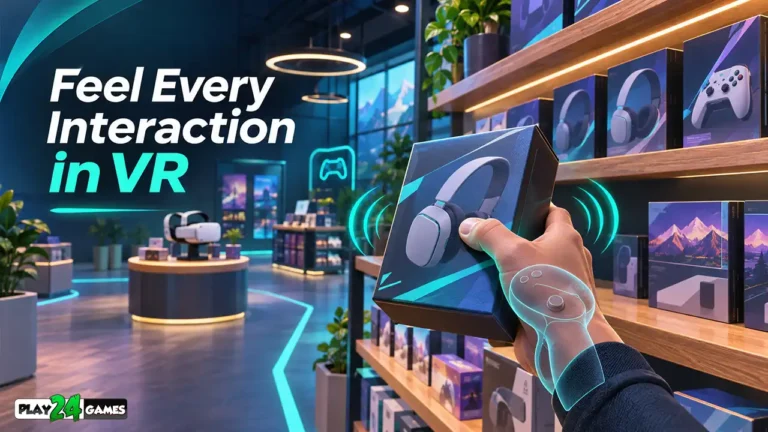
One of the most important elements of VR shop simulator gameplay is understanding whether the game has recognized an action.
For example, you may place a product on a shelf but remain unsure whether the placement was accepted.
Well-designed games communicate interaction results through visual, audio, or contextual feedback.
As a player, learning these signals can make the experience easier.
Watch for Visual Indicators
Depending on the game, interactive objects may display outlines, highlights, placement previews, or contextual prompts.
A change in an objective indicator may confirm that a task is complete.
Listen for Audio Feedback
Some games use sound effects to indicate successful pickup, placement, purchasing, or task completion.
These signals can be useful when your attention is focused on manipulating objects.
Confirm Important Actions
If a task does not advance, do not assume the game has registered it.
Check the object’s position, the current objective, and any relevant interaction instructions.
A small adjustment may be necessary.
5. Manage Inventory and Resources Carefully
Not every virtual shop simulator includes a detailed economy, but many management games incorporate some form of resource allocation.
Players may need to decide which products to obtain, which improvements to prioritize, or how to balance spending against progression.
Understand the Available Resources
Before making purchases or upgrades, identify what the game tracks.
Possible resources include currency, inventory capacity, storage space, product availability, and progression points.
Do not assume that every game uses the same systems.
Prioritize Useful Improvements
If upgrades are available, consider how each one affects the activities you perform most frequently.
For example, additional storage may be useful in a game where limited inventory capacity repeatedly interrupts stocking tasks.
A decorative upgrade may provide a different kind of value by improving personalization.
Neither choice is universally correct. It depends on your preferred playstyle and the game’s progression rules.
Avoid Spending Without Understanding the Consequences
Before committing limited in-game resources, review the available information.
Some games allow decisions to be reversed, while others require additional progression to recover spent resources.
6. Use Your Virtual Workspace Efficiently
A major difference between VR and conventional management games is the relationship between your virtual workspace and your physical movements.
Repeatedly reaching toward distant objects or turning around to access the same equipment can become tiring.
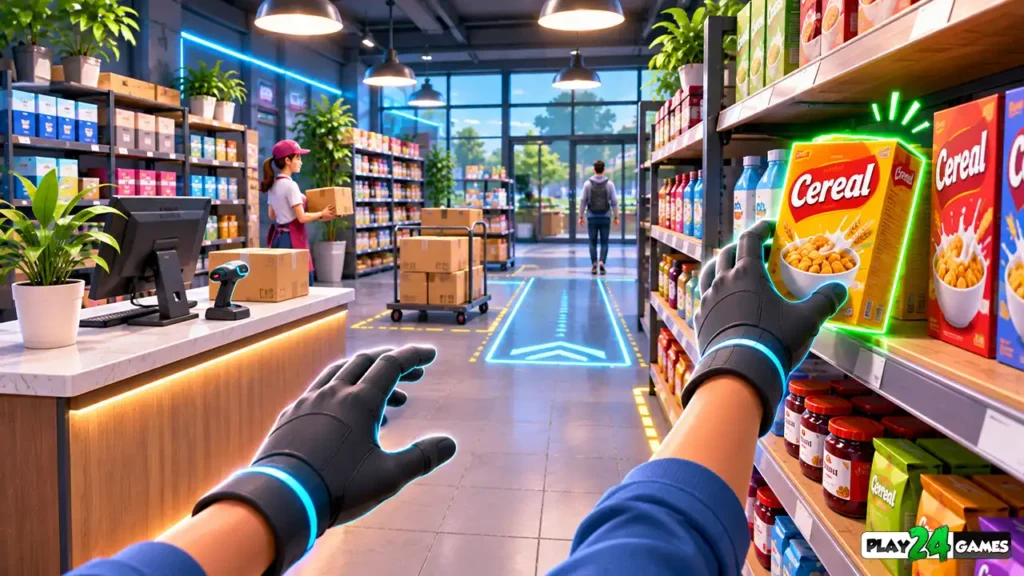
Develop a Comfortable Routine
When possible, perform related tasks together.
For example, organize a set of products before moving to another section of the store.
This may reduce unnecessary movement between areas.
Keep Interaction Zones Clear
Avoid placing movable objects where they obstruct frequently used controls, counters, or access points.
If the game allows free object placement, experiment with arrangements that make interaction easier.
Take Breaks
VR sessions can involve more physical activity than traditional controller-based gaming.
If you experience discomfort, dizziness, or eye strain, stop playing and rest.
Comfort matters more than completing one additional task.
7. Explore Customization Without Disrupting Gameplay
Customization is an appealing feature of many simulation games.
Players may enjoy changing store layouts, decorating spaces, or experimenting with different visual themes.
However, customization should complement the main gameplay rather than make it unnecessarily difficult.
Start With Functional Changes
Before concentrating on decoration, make sure essential gameplay areas remain accessible.
For example, leave sufficient space around frequently used counters or product displays.
Experiment Gradually
Change one section of the store at a time when the game allows it.
This makes it easier to determine whether a new arrangement improves the experience.
Understand Game-Specific Limitations
Some simulators provide extensive creative freedom, while others use fixed layouts and predefined placement locations.
Do not assume that a feature available in one title will also exist in another.
The most enjoyable approach is to work within the mechanics the game actually provides.
8. Learn From Different VR Simulation Experiences
Virtual reality simulation is a broad category.
A shop simulator emphasizes different activities from a racing simulator, construction experience, or theme-park game.
Understanding these differences can help players discover the kinds of VR experiences they enjoy most.
Retail and Shop Simulations
These experiences may emphasize product handling, store organization, customer interaction, and business progression.
The appeal often comes from performing familiar activities in an interactive virtual environment.
Theme-Park Simulations
Theme-park experiences may emphasize attractions, exploration, environmental interaction, or ride-based immersion.
They can appeal to players who enjoy visually engaging virtual spaces.
Vehicle Simulations
Driving experiences focus more heavily on movement, vehicle handling, and environmental awareness.
They may require a different approach to comfort settings and control familiarity.
Choosing the Right Experience
Before purchasing a VR game, examine its official description, supported headsets, comfort information, gameplay footage, and available features.
The Meta Horizon Store is a useful starting point for exploring Quest experiences and their store listings.
9. Improve Your Experience Through Observation and Practice
VR interaction often becomes more comfortable as players learn the game’s control scheme.
Instead of trying to master every system immediately, build familiarity gradually.
Start With Simple Objectives
Complete introductory tasks before attempting more complex activities.
This helps you understand how the game communicates progress.
Observe How Objects Behave
Notice whether items snap into position, require precise placement, or respond to particular controller actions.
These details can influence how efficiently you complete later tasks.
Adjust Your Approach
If a particular interaction repeatedly feels awkward, try changing your position, angle, or controller movement.
If the game includes accessibility or comfort settings, review the available options.
Focus on Enjoyment Rather Than Speed
Simulation games are not always about completing tasks as quickly as possible.
Some players enjoy progression and efficiency. Others prefer exploration, experimentation, and decorating.
Both approaches are valid when supported by the game’s design.
Common VR Shop Simulator Mistakes
Ignoring the tutorial: VR simulation games Skipping introductory instructions can make basic interactions unnecessarily confusing.
Moving too quickly: Rapid movement before learning the controls may reduce comfort.
Overcrowding shelves: Dense arrangements can make products difficult to identify or interact with.
Misunderstanding objectives: Completing an unrelated activity may not advance the current task.
Assuming every simulator has identical mechanics: Inventory systems, interaction rules, and progression vary between games.
Ignoring physical surroundings: Always maintain awareness of your real-world play space and follow headset safety guidance.
Conclusion
VR shop simulator gameplay offers a different perspective on familiar management activities by combining virtual environments with interactive controls.
Understanding the core gameplay loop, practicing object interactions, organizing products carefully, and choosing comfortable movement settings can make these experiences easier to enjoy.
The most important principle is to learn the mechanics of the individual game rather than assume every shop simulator works identically.
For players interested in virtual retail experiences, Play24Games develops and publishes games across multiple platforms, including VR simulation titles. Explore Play24Games to learn more about its games and projects.
Frequently Asked Questions
What is VR shop simulator gameplay?
VR shop simulator gameplay involves interacting with a virtual retail environment through a VR headset and controllers. Depending on the title, activities may include product handling, store organization, customer interactions, and business management.
Are VR shop simulators suitable for beginners?
Some are approachable for beginners, particularly when they provide clear tutorials and comfortable movement options. Difficulty depends on the specific game’s mechanics and accessibility features.
Do VR shop simulators require physical movement?
Requirements vary. Many VR games support controller-based navigation, while some interactions involve reaching, turning, or moving within a safe physical play area. Check the individual game’s supported play modes.
Can you customize a virtual shop in VR?
Some titles offer decoration, layout changes, or other customization features. The available options depend on the game.
Where can I find VR simulation games for Meta Quest?
You can explore supported experiences through the official Meta Horizon Store. Check each listing for headset compatibility, gameplay features, comfort information, and current availability.


[…] Players interested in the broader mechanics of this genre can explore our VR shop simulator gameplay guide. […]
[…] readers interested in immersive shop-management experiences, our VR shop simulator gameplay guide explores the interaction systems commonly found in this […]